
writing
8 Rules for Running an AI Agent Skill Library
What seven months of operating roughly 100 agent skills taught me about maintenance, routing, structure, and trust.
First published on LinkedIn.
Building an agent skill is cheap. Importing one is even cheaper.
That is why skill libraries tend to grow faster than the discipline required to operate them. You end up with a folder full of instructions and no clear view of what half of them do, when they trigger, whether they overlap, or what they can execute.
After seven months running roughly 100 skills across multiple agent harnesses, the biggest shift was simple: stop treating skills as files you write. Treat them as a system you operate.
The surface changes. The same discipline applies to coding agents, productivity agents, and personal agents. These are the eight rules that survived in my own setup.
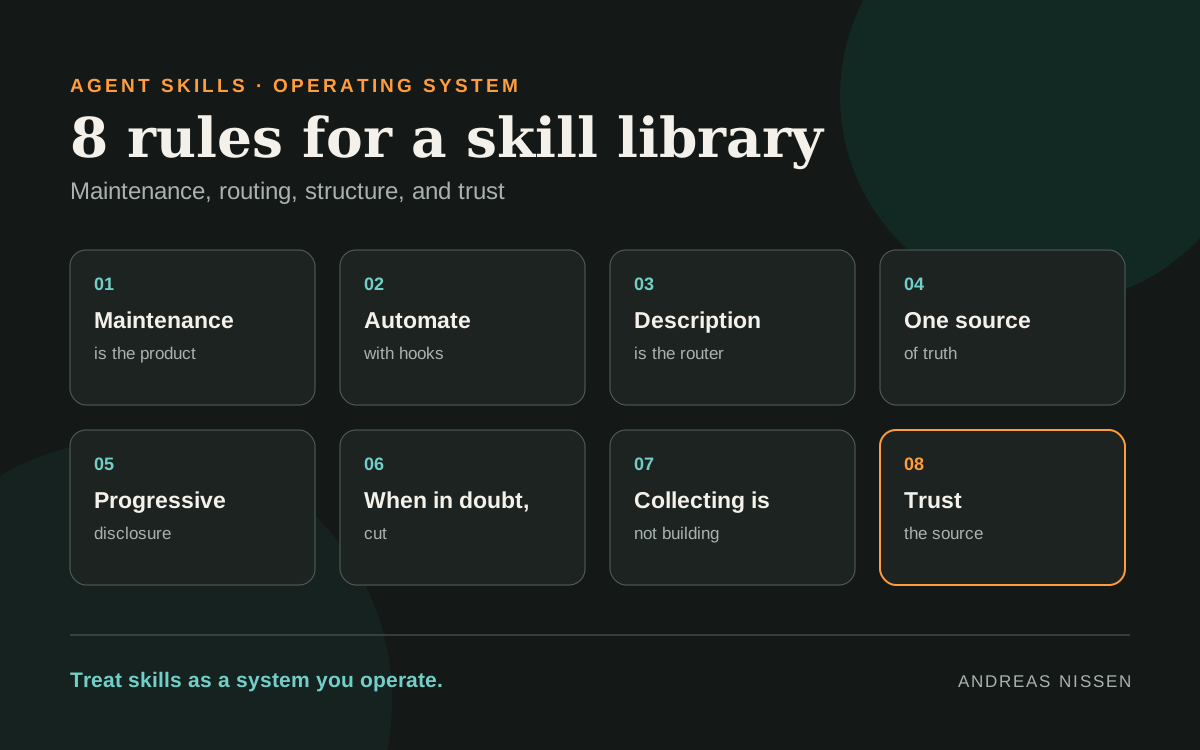
01 · Maintenance is the product
A skill nobody checks becomes a liability. Its instructions drift, referenced tools change, and examples stop matching the current workflow. Track freshness and review skills on a cadence, not only when one visibly breaks.
Try this
Audit my skills folder. Flag every SKILL.md not updated in 90+ days and list them oldest first.
02 · Automate with hooks
Do not depend on the agent remembering every supporting step. Hooks can react to events such as a saved file or a tool call, then trigger validation, logging, or another bounded action automatically.
The skill describes the workflow. The hook makes important parts of that workflow reliable.
Try this
Add a hook that runs my skill's validation script automatically whenever a matching file is saved.
03 · The description is the router
The agent usually chooses a skill from its name and one-line description before it reads the full instructions. A vague description therefore creates a routing problem, even when the skill itself is excellent.
Specific beats long. State when to use the skill, the signals that should trigger it, and the nearby cases it should not own.
Try this
Review each skill's description. Add explicit trigger phrases and “use instead of X” boundaries.
04 · One source of truth
The same fact copied into ten skills becomes ten things to update. Constants, policies, shared terminology, and reusable instructions should each have one owner. Other skills should reference that source instead of carrying silent copies.
This is less convenient when you create the first file. It is much safer when the tenth file changes.
Try this
Find facts repeated across skills. Move each to one file and replace the copies with a citation.
05 · Use progressive disclosure
Do not load every detail into the agent’s context up front. Let it see the compact description first, load the main workflow when selected, and retrieve deeper references only when the task requires them.
This keeps the initial context smaller and makes the skill easier to navigate. It also forces a useful distinction between the core operating procedure and supporting detail.
Try this
Split any SKILL.md over 500 lines: short overview up front, details in files loaded on demand.
06 · When in doubt, cut
A lean library the agent can route through reliably beats a sprawling one full of near-duplicates. Overlapping skills compete for the same task, create inconsistent behavior, and make every future change harder.
Merge skills that share a purpose. Delete skills that no longer earn their place.
Try this
Show skills with overlapping triggers or duplicate purpose. Recommend which to merge or delete.
07 · Collecting is not building
Starring a repository or copying a popular instruction file can feel like progress. It is only useful when the imported material is integrated into your system.
A skill you never adapt may overlap with existing instructions, contradict local rules, or remain invisible because its routing description does not fit your environment. The work is not the import. The work is reconciliation.
Try this
List skills whose instructions overlap or contradict each other. Show the conflicts so I can reconcile them into one system.
08 · Trust the source
A skill is not merely text. It contains instructions and may include scripts, network calls, or access to secrets and local files. Importing one is a supply-chain decision.
Prefer sources you can verify. Inspect what the skill executes, which permissions it assumes, and what data it can reach before allowing it into an agent environment.
Try this
Before I add a third-party skill, scan it for scripts, network calls, or secret access, and flag anything risky.
The operating model
These rules point to one conclusion: the quality of a skill library is not measured by how many files it contains.
It is measured by whether the right skill is selected, whether its instructions are current, whether shared knowledge stays consistent, whether risky behavior is visible, and whether the library becomes easier to operate as it grows.
If you have imported dozens of skills but edited none of them, you probably do not have a skill library yet. You have a pile of bookmarks.
The original 13-card LinkedIn carousel contains the compact version of these rules. This article is the durable, expanded version.